


Area Rewind
World management
Save named regions, compare snapshots, and restore earlier versions of your world.
- Spigot / Paper
- Java 21+
- v1.0.4

World tool
A simple way to get there.
Manage named warp points through Minecraft’s native Dialog interface.
This repository has no published release. It currently documents a source build for Paper 26.2 and Java 25. No licence file has been published yet.
Warp destinations appear in a three-column Dialog grid.
Create, overwrite, and remove case-insensitive warp names.
Separate permissions for using, setting, and removing warp points.
Clone Superwarp from GitHub.
Follow the build instructions with Java 25 and Maven 3.9 or newer.
Place the built JAR in the plugins/ directory of a Paper 26.2 server and start it.
/superwarpOpen the native warp dialog. Operators create a destination with /superwarp set <name>.
| Command | Description |
|---|---|
/superwarp or /swarp | Open the warp dialog |
/superwarp set <name> | Create or overwrite a warp at your position |
/superwarp remove <name> | Remove a warp |
| Permission | Default |
|---|---|
superwarp.use | Everyone |
superwarp.set | Operators |
superwarp.remove | Operators |
Bug reports, questions, and contributions go to this plugin’s GitHub repository.
World management
Save named regions, compare snapshots, and restore earlier versions of your world.

World tool
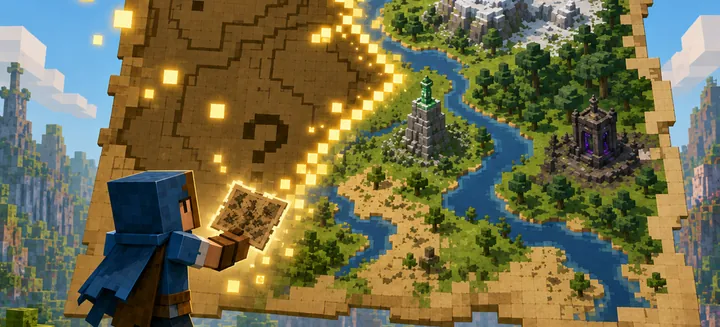
Reveal terrain, create item-frame map walls, and keep them refreshed with labels and player markers.


Gameplay
Create milestones with claimable rewards, linked prerequisites, and persistent player progress.