


Power Mining
Mining tools
Add mounted excavation, ore scanning, magnetic hoppers, return ropes, and useful mining equipment.
- Paper
- Java 21+
- v1.1.0
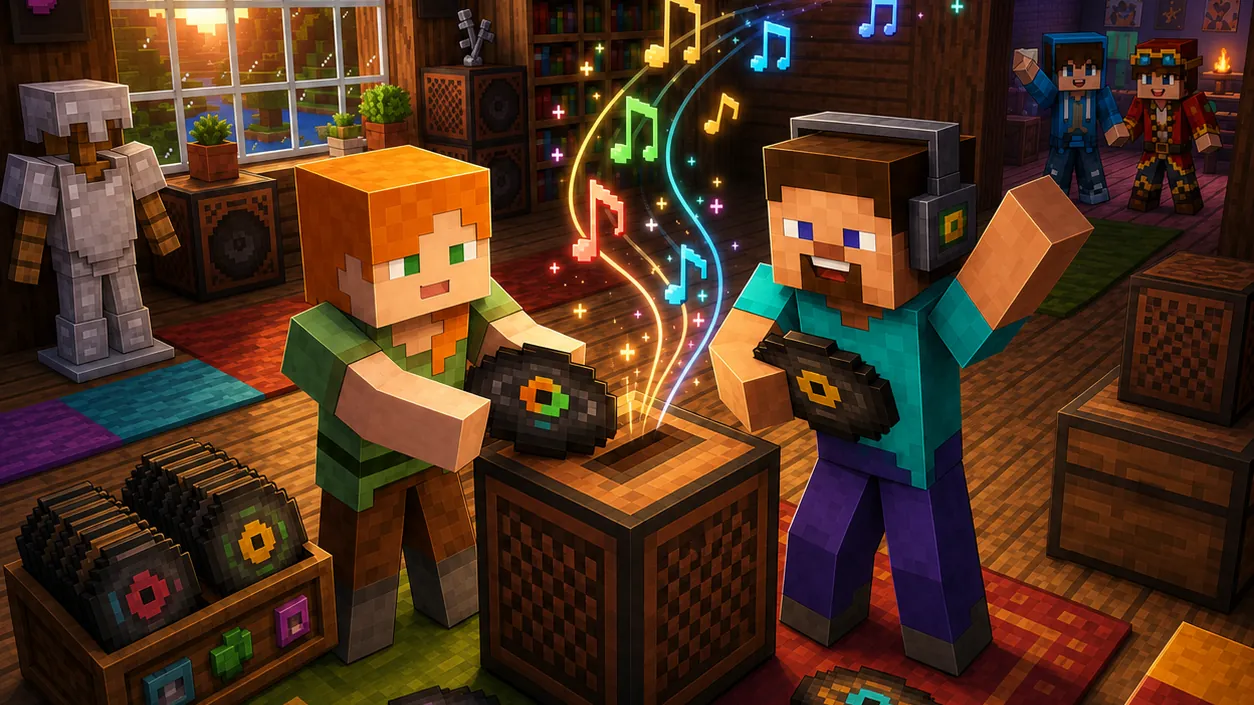

Music
Give your server its soundtrack.
Play NBS music through personal controls, persistent signs, and custom records in vanilla jukeboxes.
NoteBlockAPI must be installed separately. Signs can toggle, pulse, or ignore redstone. Custom song-bound records preserve their identity through persistent item data.
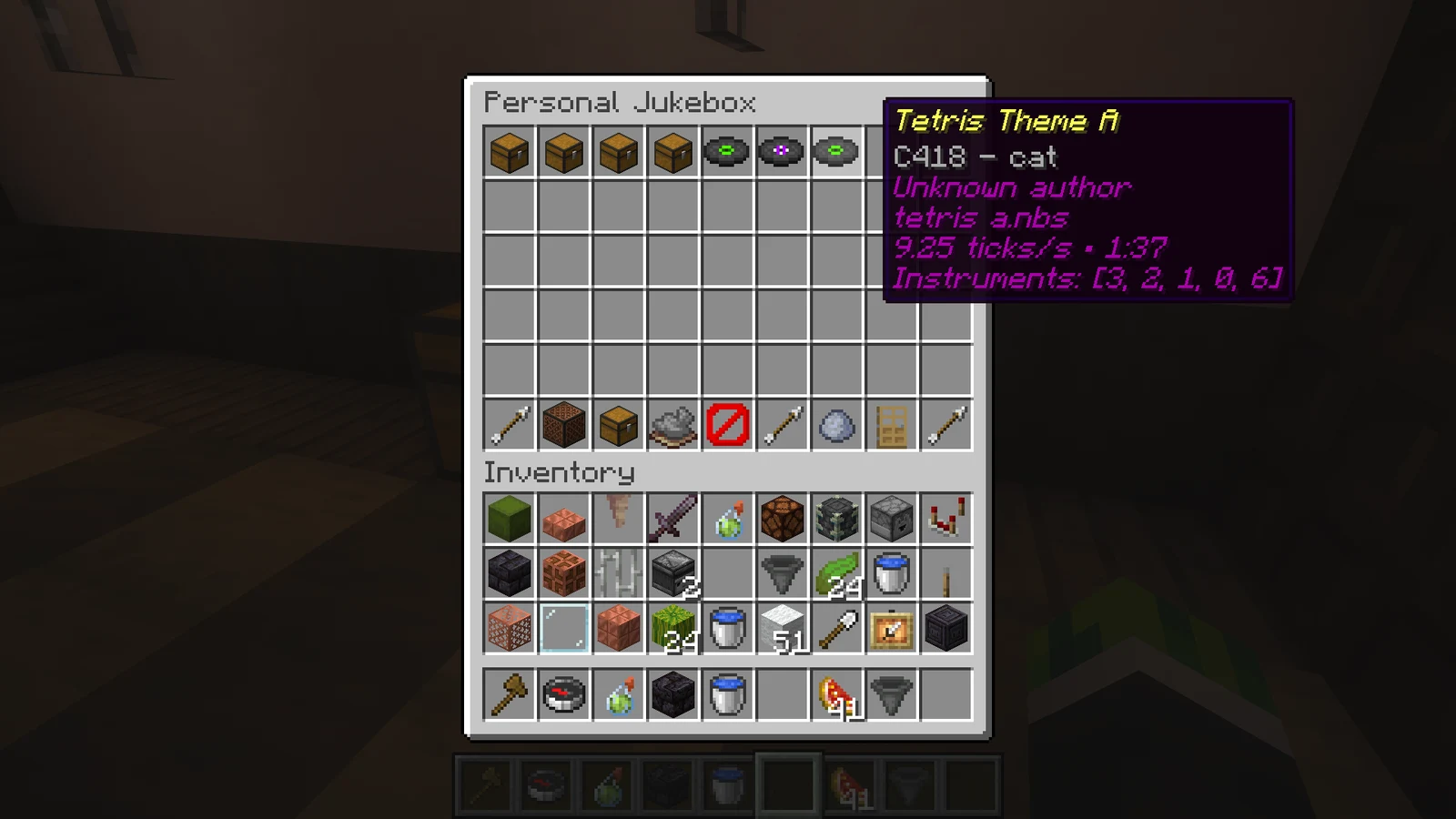
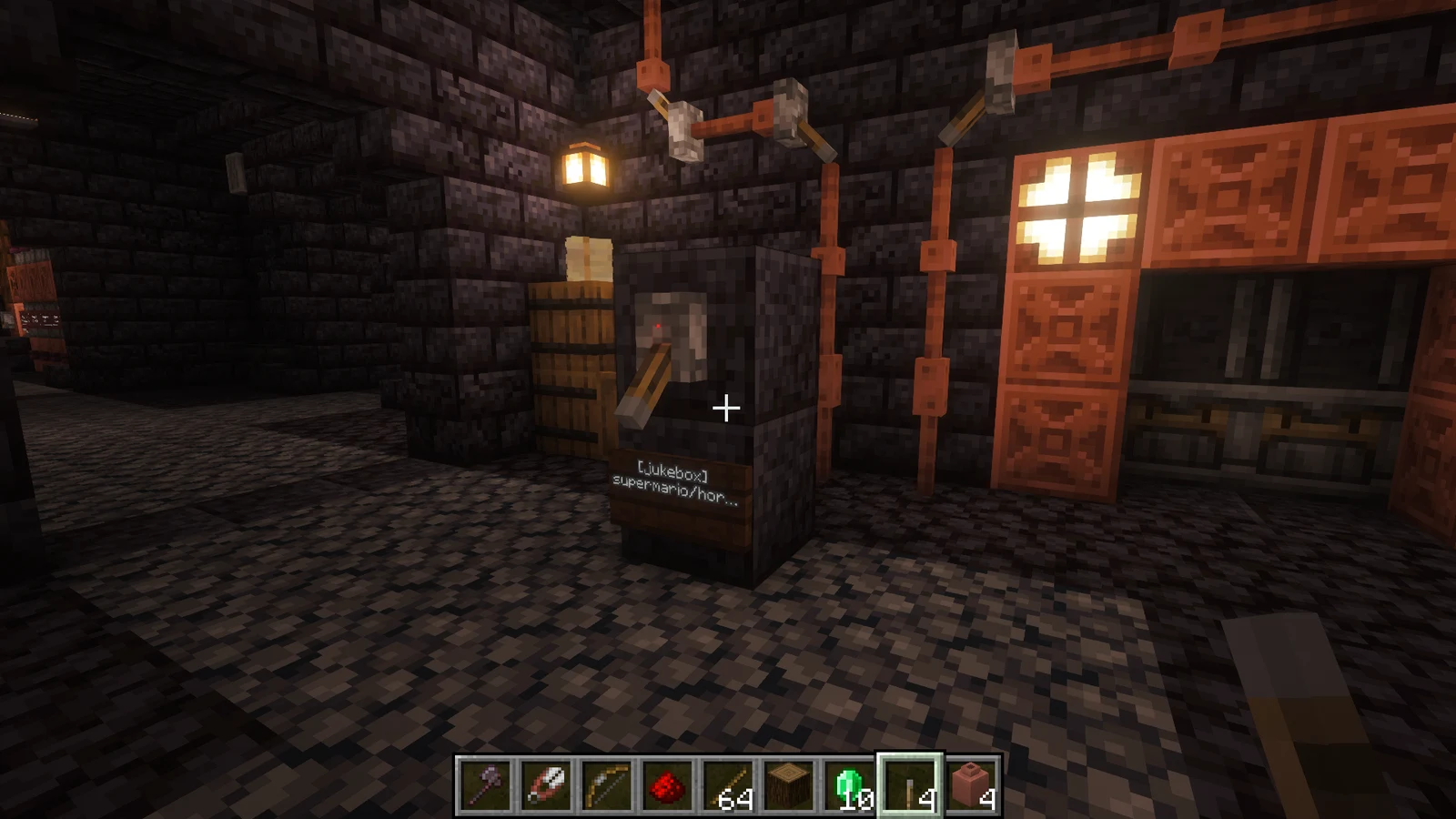
Subdirectories become navigable folders in the in-game GUI
Play or stop a song without creating a world jukebox
Store the selected song, volume, looping, and redstone mode directly on a sign
Toggle, pulse, or ignore external redstone power
Levers, buttons, plates, and dust near a sign trigger it, so one switch can drive several signs
Progress bar, pause/resume, queue, shuffle, loop, and per-player volume in the browser
List configured signs and their locations with an admin command
Scan metadata without keeping every complete song in memory
Show the active personal song while it is playing
Rescan the song library without restarting the server
Create a physical record for any indexed song and play it in a vanilla jukebox
Each created record uses a randomly selected full music-disc icon; the cracked 11 disc and disc fragments are excluded
Custom record playback resumes after a restart or chunk reload and follows player or hopper insertion and removal
Run Paper with Java 25 or newer, built for Minecraft 26.2. Install NoteBlockAPI 1.7.0+ first.
Stop the server, download Custom-Jukebox-1.2.0.jar, and place it in plugins/. When upgrading, replace the previous JAR.
Start the server and check the console. Review the generated configuration with the release documentation.
/jukebox playAdd your NBS songs to the configured song library and open the folder-aware browser.
| Command | Description |
|---|---|
/jukebox play | Open the personal song browser and playback controls |
/jukebox play <path or title> | Start a song directly |
/jukebox stop | Stop personal playback |
/jukebox disc <player> <path or title> | Create a persistent physical record for an indexed song |
/jukebox reload | Rescan the song library |
/jukebox list-signs | List registered jukebox signs and their locations |
| Permission | Description | Default |
|---|---|---|
customjukebox.play | Use personal playback | true |
customjukebox.sign.place | Create and configure jukebox signs | op |
customjukebox.disc.create | Create song-bound custom records | op |
customjukebox.disc.use | Insert and play custom records in jukebox blocks | true |
customjukebox.admin | Reload songs and list registered signs | op |
| Setting | Description | Default |
|---|---|---|
volume.min | Lowest value accepted by signs and the GUI | 0 |
volume.max | Highest value accepted by signs and the GUI | 10 |
volume.default | Initial volume for a new jukebox sign | 3 |
personal-default-volume | Initial personal playback volume | 3 |
max-active-sources | Combined limit for sign, record, and personal playback sources | 20 |
log-invalid-songs | Log malformed or unreadable .nbs files during scans | true |
Custom Jukebox v1.2.0
Custom Jukebox v1.2.0 adds area redstone triggers for signs and a now-playing control with progress, pause, volume, shuffle, and queueing.
Bug reports, questions, and contributions go to this plugin’s GitHub repository.
Mining tools
Add mounted excavation, ore scanning, magnetic hoppers, return ropes, and useful mining equipment.


Transport
Configure minecart speed, collection, shared preset storage, and transport effects.


Gameplay
Create milestones with claimable rewards, linked prerequisites, and persistent player progress.