


Area Rewind
World management
Save named regions, compare snapshots, and restore earlier versions of your world.
- Spigot / Paper
- Java 21+
- v1.0.4

World tool
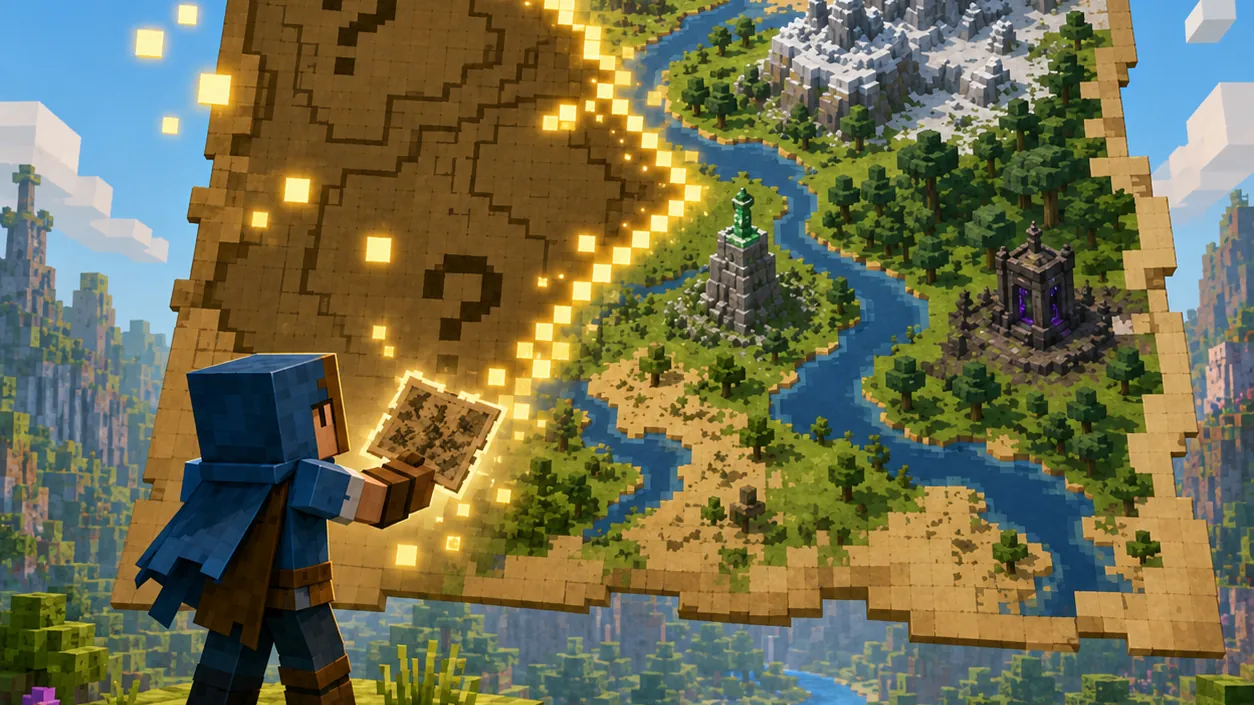
Put your world on the map.
Reveal terrain, create item-frame map walls, and keep them refreshed with labels and player markers.
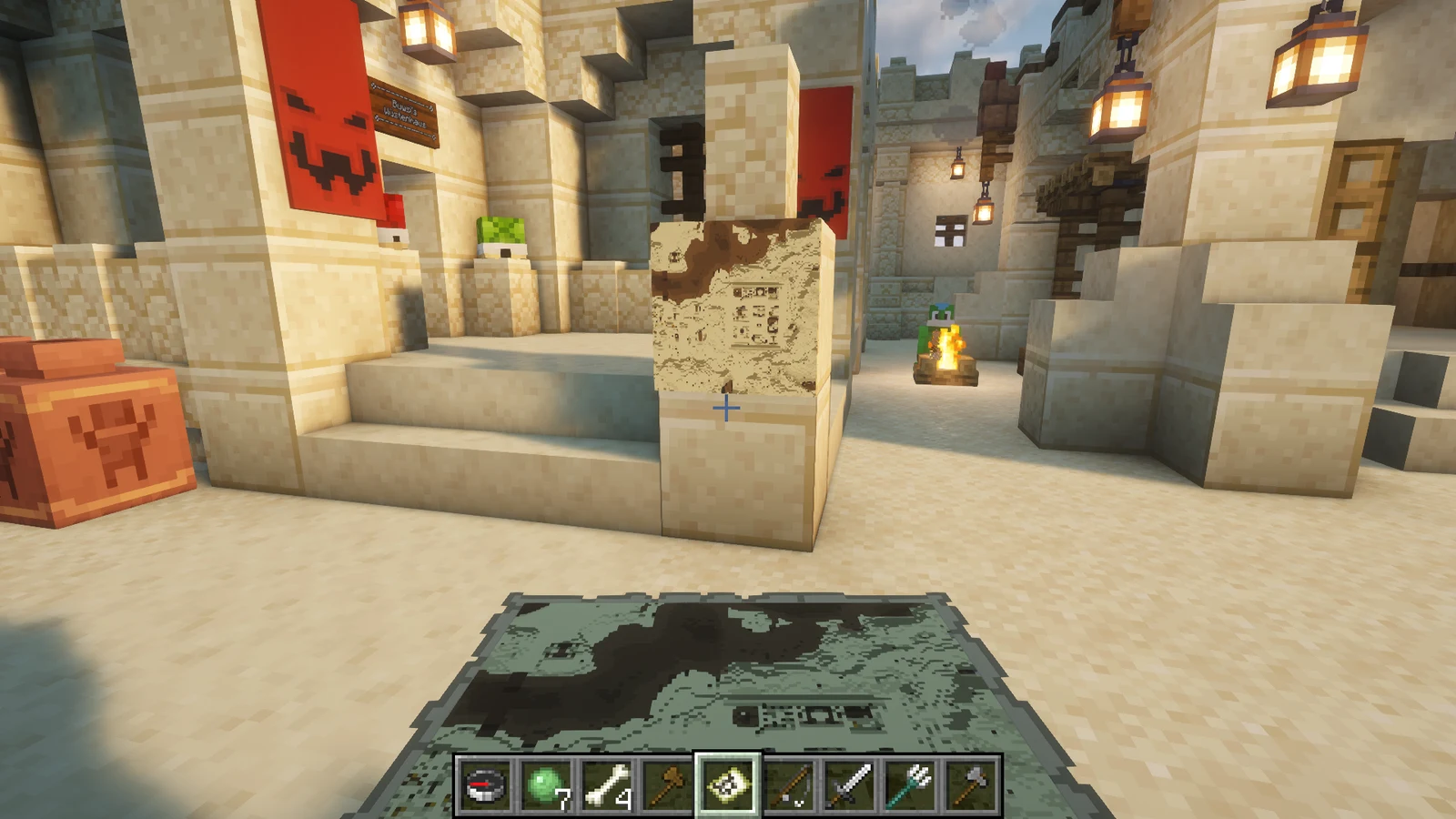
Use themed palettes, fixed Y-level slices, and automatically refreshed map walls. Terrain renders progressively. Missing terrain stays transparent by default: explore or pregenerate it, then refresh. Use scale 0 or 1 for a local wall; a 10×10 scale-4 wall spans 20,480×20,480 blocks. Tune lookup and capture budgets for your server.
Run Paper with Java 17 or newer, built for Minecraft 1.20.4. No other plugins are required.
Stop the server, download Map-Revealer-1.2.1.jar, and place it in plugins/. When upgrading, replace the previous JAR.
Start the server and check the console. Review the generated configuration with the release documentation.
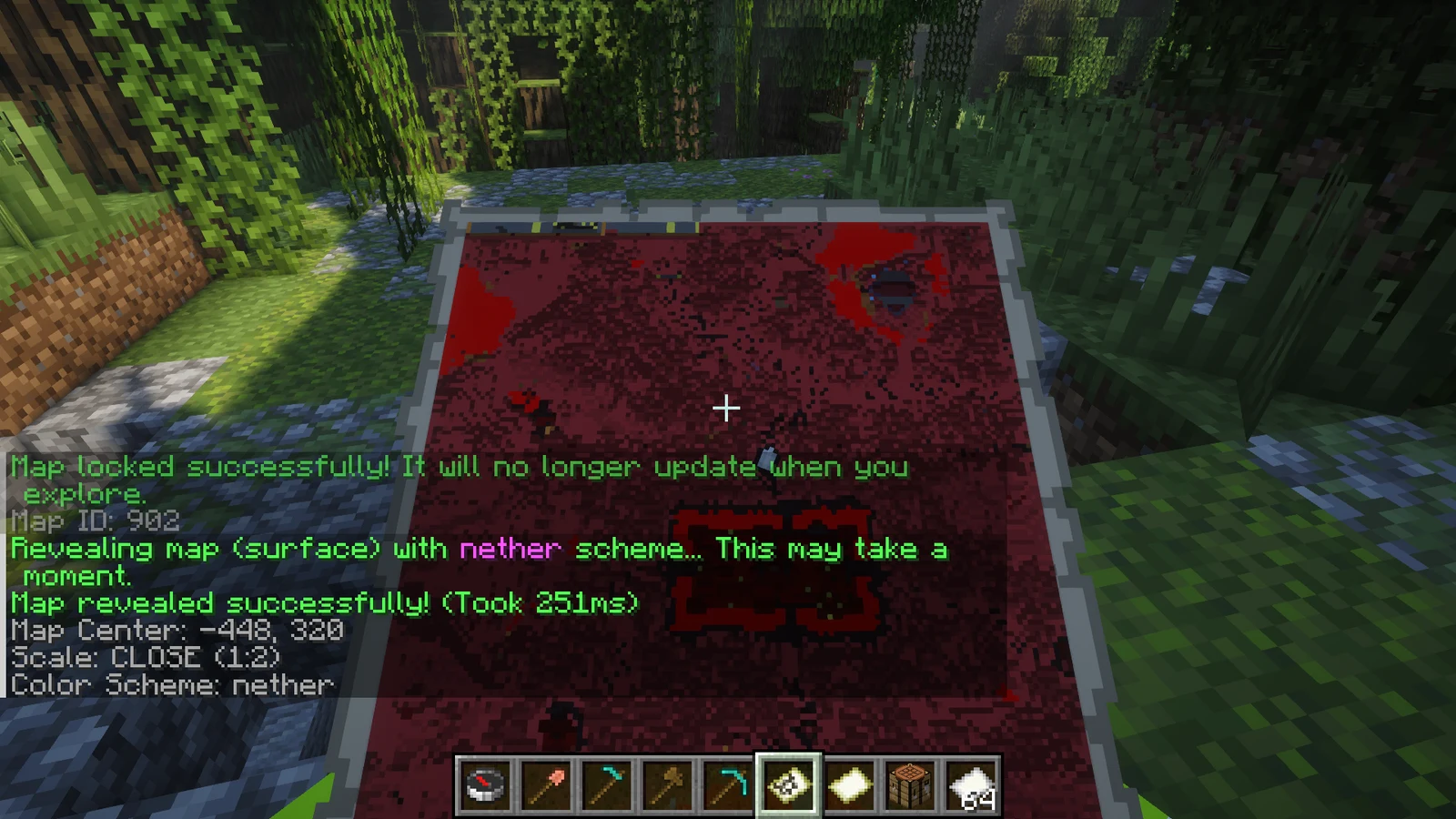
/revealmapHold a filled map in your main hand and run the command to render the terrain it covers.
| Command | Description |
|---|---|
/revealmap reveal [depth] [theme] | Render the held map with explicit command structure. The shorter forms below remain supported. |
/revealmap | Render the held map at surface level with normal colors. |
/revealmap <depth> | Render from a specific Y-level within the current world's height bounds. |
/revealmap <scheme> | Render the surface with one of the listed schemes. |
/revealmap <depth> <scheme> | Combine a Y-level with a color scheme. The two arguments may be supplied in either order. |
/revealmap lock | Lock the held map against normal exploration updates. |
/revealmap schemes | List all schemes in chat. /revealmap colors does the same. |
/revealmap help | Show the in-game command summary. |
/revealmap wall create <name> [scale] | Create or safely adopt the connected rectangular frame wall being viewed. |
/revealmap wall expand <name> | Add connected empty frames around the managed frame being viewed. |
/revealmap wall refresh <name|all> | Force an immediate terrain refresh. |
/revealmap wall set <name> theme <theme> | Apply and save a wall theme, then refresh it. |
/revealmap wall set <name> depth <Y|auto> | Choose a slice or the dimension default, then refresh it. |
/revealmap wall set <name> interval <minutes> | Change the automatic refresh interval. |
/revealmap wall set <name> <locked|markers|auto-expand> <on|off> | Change a boolean wall option. |
/revealmap wall set <name> label <text|off> | Add or remove the origin-map region label. |
/revealmap wall list | Show stored wall sizes and settings. |
/revealmap wall remove <name> | Stop managing a wall without deleting its frames or maps. |
| Permission | Default | Description |
|---|---|---|
maprevealer.reveal | Operators | Reveal or lock a filled map held in the main hand. |
maprevealer.wall.manage | Operators | Create, configure, expand, refresh, and remove managed map walls. |
| Setting | Default | Description |
|---|---|---|
rendering.generate-missing-chunks | false | Allow a reveal to generate terrain that does not exist yet |
rendering.max-chunks-per-map | 16384 | Refuse a single map render above this terrain-chunk count |
rendering.capture-chunks-per-tick | 16 | Maximum chunk captures requested per batch |
rendering.lookup-chunks-per-tick | 256 | Maximum asynchronous chunk lookups per server tick; snapshots still obey the capture limit |
rendering.nether-depth | 64 | Default downward slice in Nether worlds; avoids the roof |
rendering.max-pending-maps | 256 | Maximum queued wall or held-map renders |
map-walls.max-frames | 256 | Maximum maps managed by one wall |
map-walls.max-scale | 4 | Largest scale accepted when creating or adopting a wall |
map-walls.discovery-span | 24 | Maximum frame discovery distance from the selected frame |
map-walls.minimum-refresh-minutes | 5 | Lowest per-wall interval accepted by commands |
map-walls.defaults.refresh-minutes | 30 | Initial automatic refresh interval |
map-walls.defaults.locked | true | Lock newly generated wall maps by default |
map-walls.defaults.player-markers | false | Show online players on new walls |
map-walls.defaults.auto-expand | false | Automatically claim a newly placed adjacent empty frame |
Map Revealer v1.2.1
Map Revealer 1.2.1 fixes server stalls and unclear blank-map behavior when rendering large, high-scale walls.
Bug reports, questions, and contributions go to this plugin’s GitHub repository.
World management
Save named regions, compare snapshots, and restore earlier versions of your world.


Gameplay
Create milestones with claimable rewards, linked prerequisites, and persistent player progress.


NPC system
Create persistent NPCs with routes, behaviours, conversations, combat, and world interaction.