


Advanced Achievements
Gameplay
Create milestones with claimable rewards, linked prerequisites, and persistent player progress.
- Spigot / Paper
- Java 17+
- v1.0.3


Movement
Find a new way across.
Turn a fishing rod into a grappling hook with per-player range, pull speed, and effects.
Block grappling pulls the player to the hook. Catching a non-player living entity pulls it toward the player. Range, speed, boost, sound, and particles can be adjusted per player.
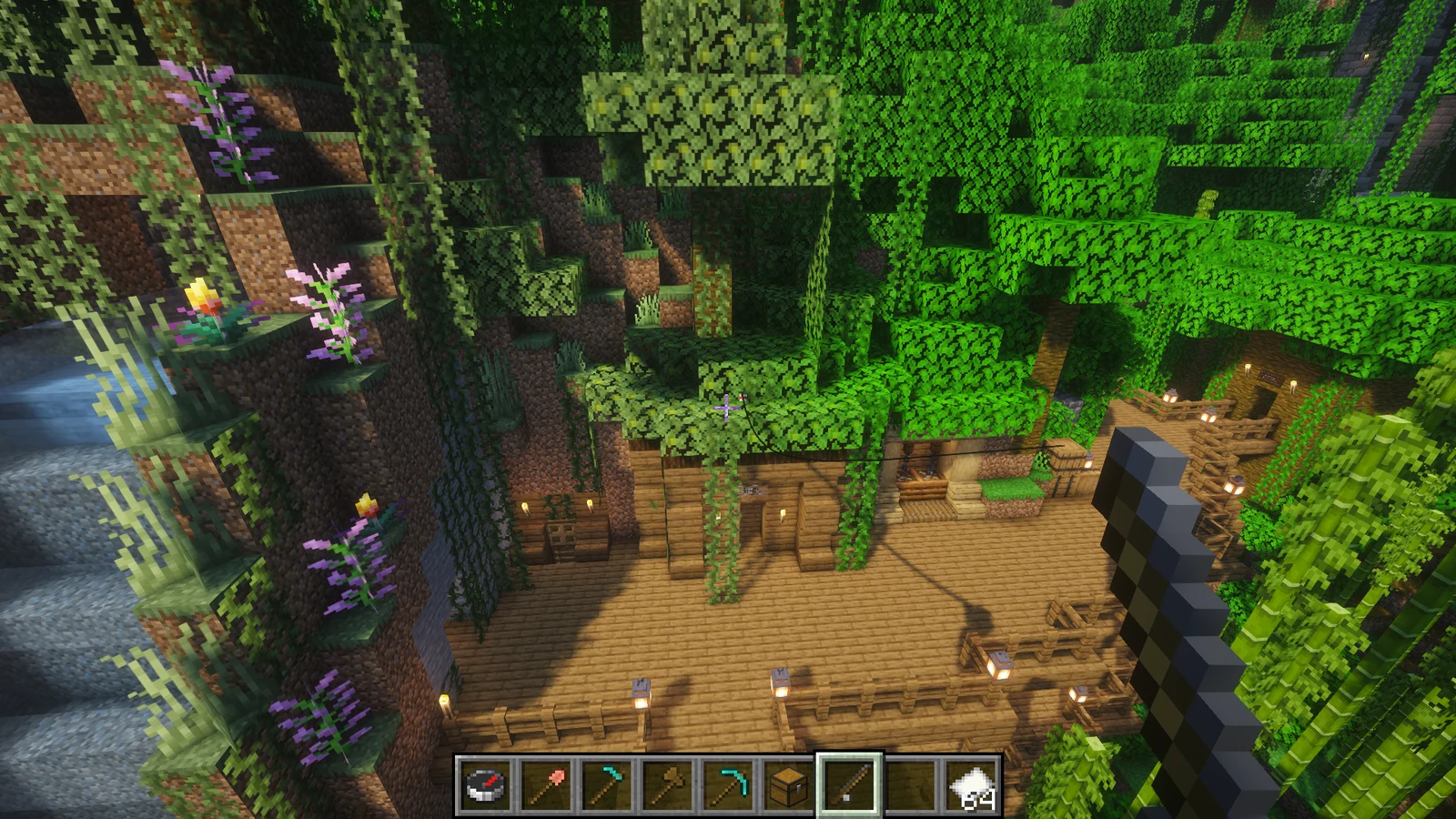
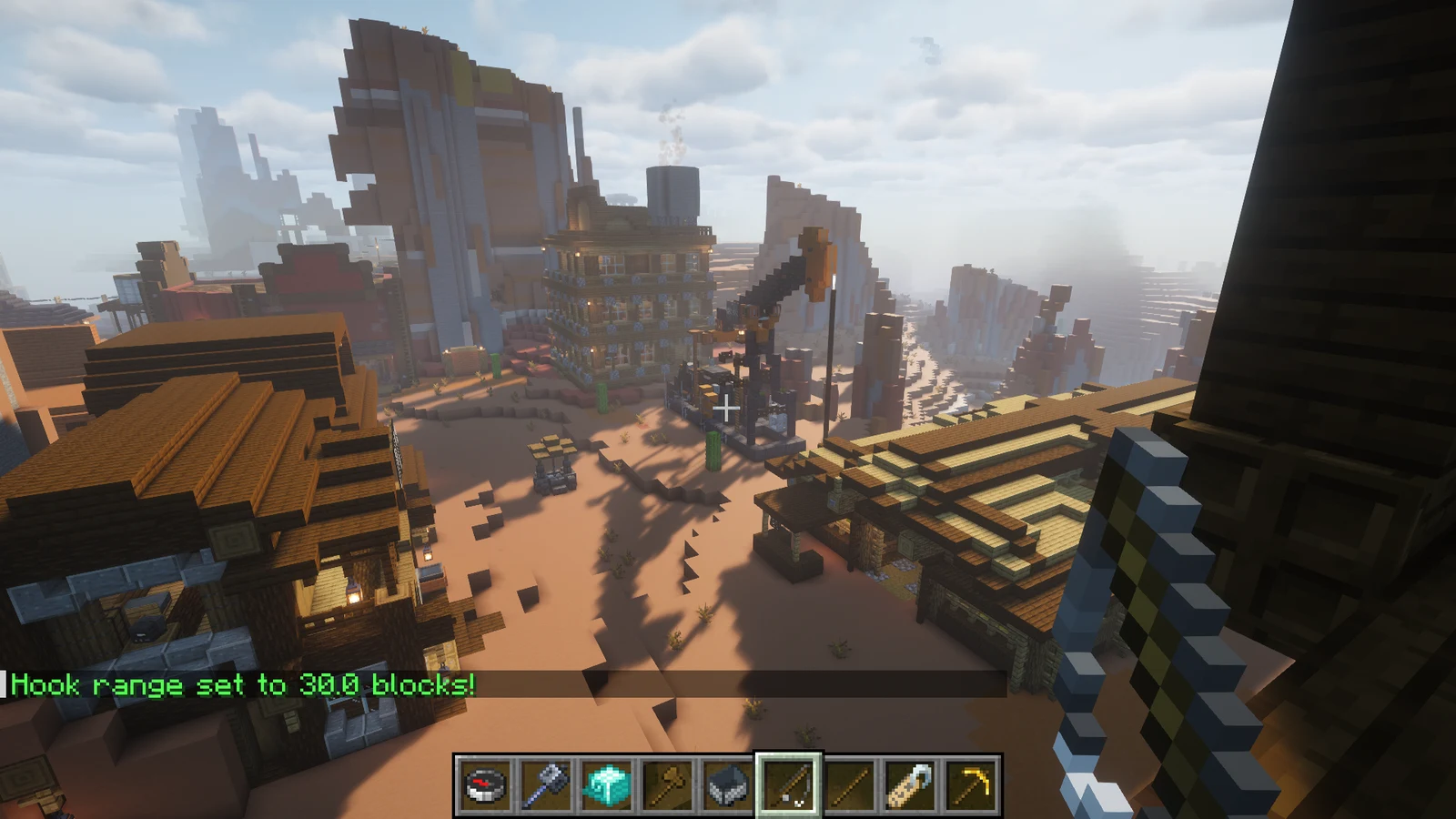
Each player independently enables or disables grappling hook mode - casting while disabled behaves as a normal fishing rod with no side effects
When the hook lands on a block within range, the player is pulled toward that position immediately with velocity proportional to their configured pull speed and vertical boost
When the hook catches a non-player living entity (mob, animal, etc.), the entity is pulled toward the player - useful for mob retrieval and custom gameplay scenarios
Adjustable throw multiplier (1.0-5.0) controls how fast and far the hook travels through the air before landing
Adjustable pull speed (0.5-5.0) controls how quickly the player is moved toward the hook landing point
Optional upward momentum (0.0-1.5) added to the pull direction, helping players clear ledges and obstacles naturally
Each player has a maximum hook range (10-100 blocks set by the server); pulls beyond that range are cancelled with an informational message
A 250 ms gap is enforced between consecutive pulls to prevent rubber-banding or velocity stacking
Optional pull sound (ENTITY_ENDER_DRAGON_FLAP) played at the player's location, toggleable per player
Optional CLOUD particle burst spawned at the player's location on pull, toggleable per player
All per-player data is written to plugins/Hookshot/playerdata.yml on every change and on server shutdown, and reloaded on every player join
Restores all personal settings to the server-configured defaults in a single command
Run Spigot / Paper with Java 17 or newer, built for Minecraft 1.20.1. No other plugins are required.
Stop the server, download Hookshot-1.0.1.jar, and place it in plugins/. When upgrading, replace the previous JAR.
Start the server and check the console. Review the generated configuration with the release documentation.
/hookshotEnable grappling mode, hold a fishing rod, and cast toward a block within your configured range.
| Command | Permission | Description |
|---|---|---|
/hookshot | hookshot.use | Toggle grappling hook mode on or off (shorthand for toggle) |
/hookshot toggle | hookshot.use | Toggle grappling hook mode on or off |
/hookshot range <value> | hookshot.settings | Set your hook range in blocks - must be within server min/max |
/hookshot speed <value> | hookshot.settings | Set your pull speed - controls how fast you are pulled to the hook |
/hookshot boost <value> | hookshot.settings | Set your vertical boost - upward momentum applied on every pull |
/hookshot velocity <value> | hookshot.settings | Set your hook throw velocity - controls how far the hook is launched |
/hookshot sound | hookshot.settings | Toggle your personal sound effects on or off |
/hookshot particles | hookshot.settings | Toggle your personal particle effects on or off |
/hookshot reset | hookshot.use | Reset all your settings to the current server default values |
/hookshot info | hookshot.use | Display all of your current hookshot settings in chat |
| Subcommand | Suggested values |
|---|---|
range | 10, 20, 30, 50, 100 |
speed | 1.0, 1.5, 2.0, 2.5, 3.0 |
boost | 0.0, 0.3, 0.5, 0.8, 1.0 |
velocity | 1.0, 1.5, 2.0, 3.0, 4.0 |
| Permission | Description | Default |
|---|---|---|
hookshot.use | Use the grappling hook and run /hookshot toggle, /hookshot reset, /hookshot info | true |
hookshot.settings | Adjust personal settings with /hookshot range, speed, boost, velocity, sound, particles | true |
hookshot.admin | Administrative access to hookshot features | op |
| Key | Default | Description |
|---|---|---|
default-range | 30.0 | Starting hook range in blocks for new players |
pull-speed | 2.0 | Default pull speed multiplier |
vertical-boost | 0.3 | Default upward momentum added to the pull vector |
hook-velocity-multiplier | 2.0 | Default hook throw speed multiplier |
play-sound | true | Whether sound is enabled by default |
show-particles | true | Whether particles are enabled by default |
| Key | Default | Description |
|---|---|---|
min-range | 10.0 | Minimum range a player may set (blocks) |
max-range | 100.0 | Maximum range a player may set (blocks) |
min-pull-speed | 0.5 | Minimum pull speed a player may set |
max-pull-speed | 5.0 | Maximum pull speed a player may set |
min-vertical-boost | 0.0 | Minimum vertical boost (0 = no upward assist) |
max-vertical-boost | 1.5 | Maximum vertical boost a player may set |
min-hook-velocity | 1.0 | Minimum hook throw velocity a player may set |
max-hook-velocity | 5.0 | Maximum hook throw velocity a player may set |
Hookshot v1.0.1
Hookshot v1.0.1 corrects release metadata and standardizes Java packaging.
Bug reports, questions, and contributions go to this plugin’s GitHub repository.
Gameplay
Create milestones with claimable rewards, linked prerequisites, and persistent player progress.


NPC system
Create persistent NPCs with routes, behaviours, conversations, combat, and world interaction.


Server event
Run configurable night events with seven specialised encounters, live difficulty profiles, and themed abilities.