


Map Revealer
World tool
Reveal terrain, create item-frame map walls, and keep them refreshed with labels and player markers.
- Paper
- Java 17+
- v1.2.1



World management
A way back for important builds.
Save named regions, compare snapshots, and restore earlier versions of your world.
Owners and trusted players control area access. Restores can be previewed and run across server ticks. WorldEdit is optional for selections and schematic exports.
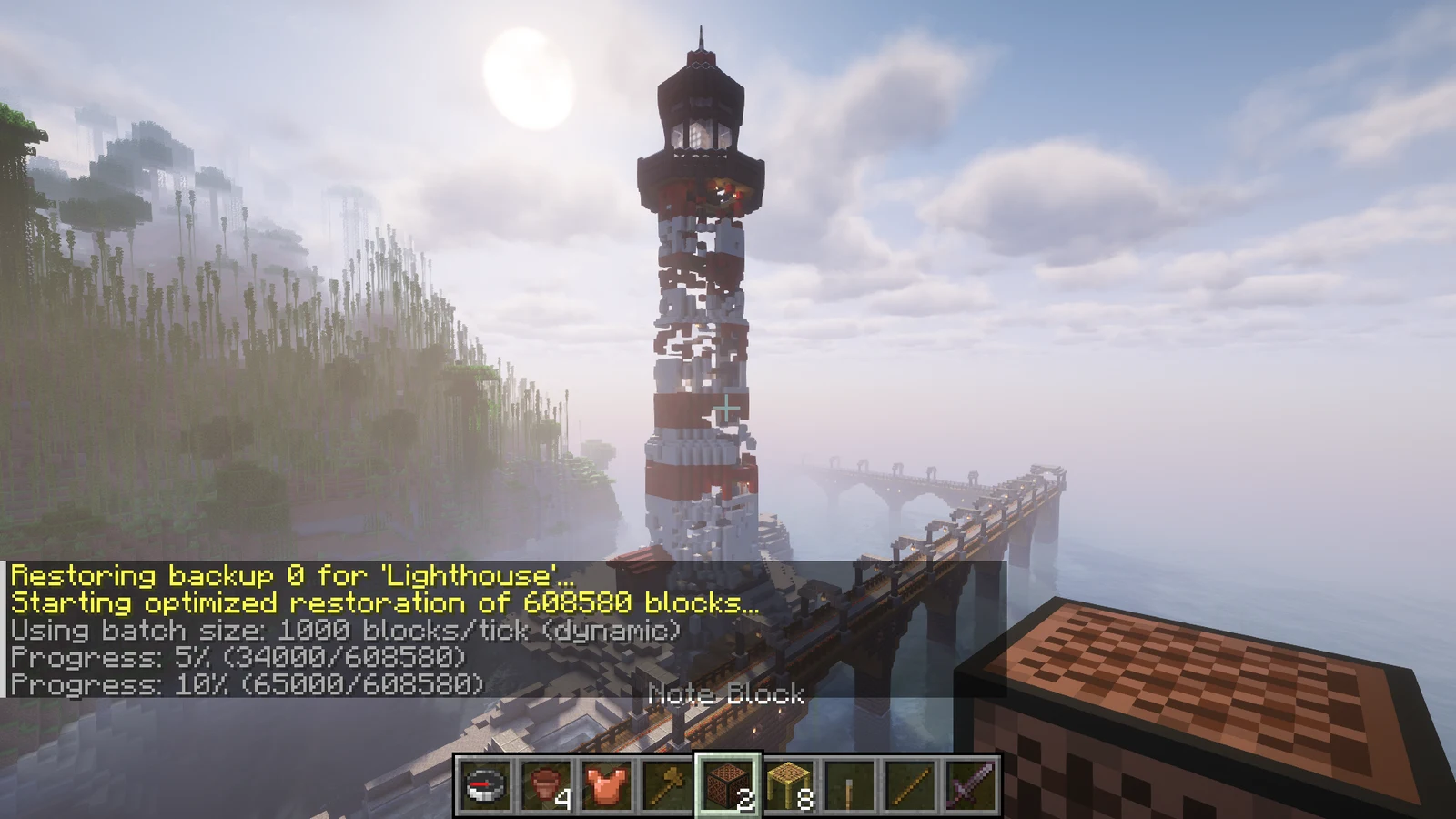
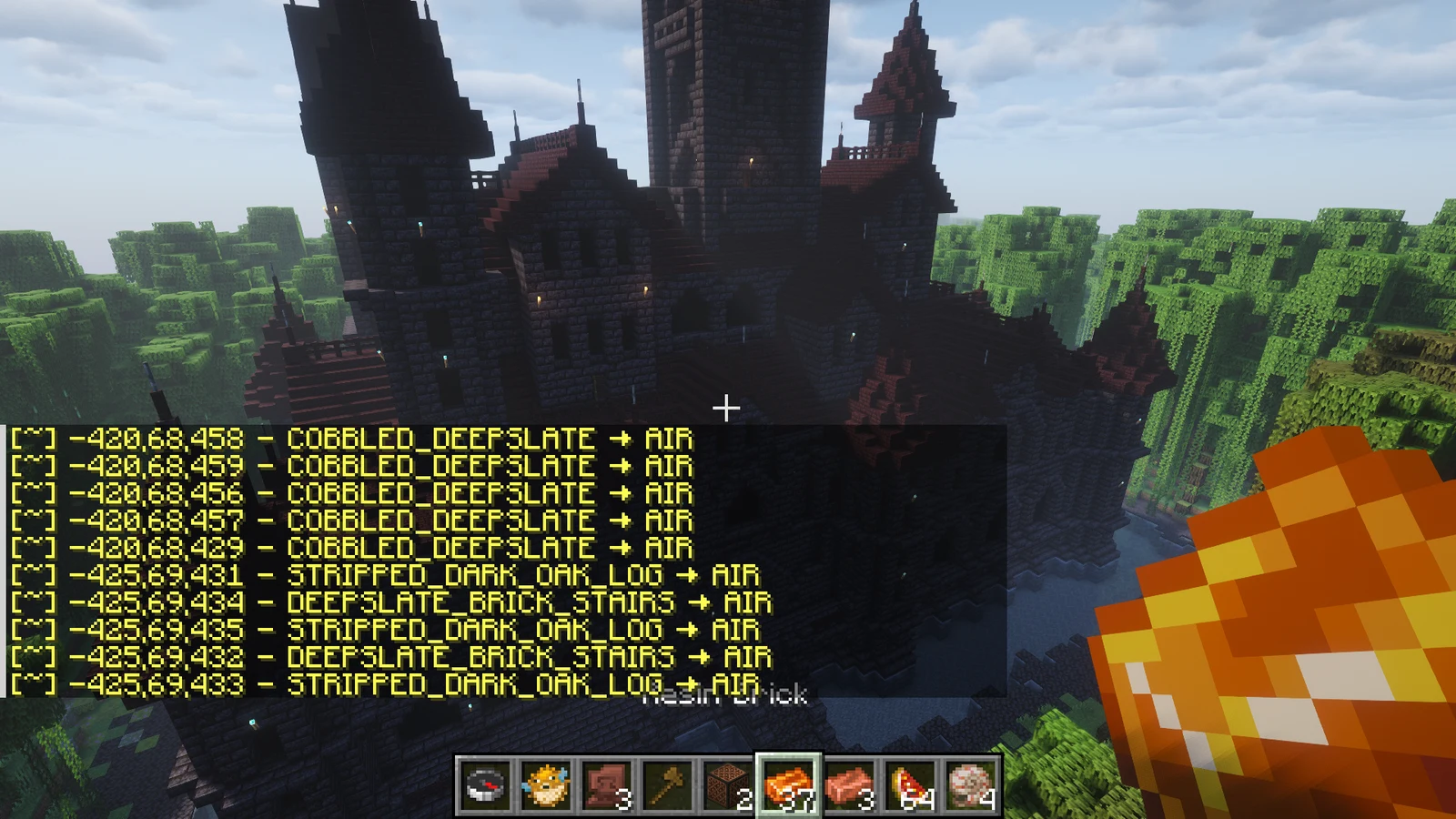
Run Spigot / Paper with Java 21 or newer, built for Minecraft 1.21.8. No other plugins are required.
Stop the server, download Area-Rewind-1.0.4.jar, and place it in plugins/. When upgrading, replace the previous JAR.
Start the server and check the console. Review the generated configuration with the release documentation.
/rewind toolSelect two corners with the wooden hoe, then use /rewind save home and /rewind backup home.
| Command | Description | ||
|---|---|---|---|
/rewind tool | Receive the wooden hoe selection tool. | ||
/rewind pos1, /rewind pos2 | Set a corner to the block being viewed. | ||
/rewind save <name> | Create an area from the active selection. | ||
/rewind list [all | owned | trusted] | List visible areas. |
/rewind info <area> | Show ownership, bounds, trust, and backup information. | ||
/rewind teleport <area> | Teleport to an area. Alias: tp. | ||
/rewind rename <old> <new> | Rename an area. | ||
/rewind expand <area> <direction> <amount> | Extend an area boundary. | ||
/rewind contract <area> <direction> <amount> | Reduce an area boundary. | ||
/rewind delete <area> | Delete an area and its backups. |
| Command | Description | ||
|---|---|---|---|
/rewind backup <area> | Create a snapshot immediately. | ||
/rewind history <area> [page] | List snapshot IDs and timestamps. | ||
/rewind restore <area> <id | latest | oldest> | Restore a stored snapshot. |
/rewind rollback <area> <time> | Restore the snapshot nearest a relative time such as 30m, 2h, or 1d. | ||
/rewind undo <area>, /rewind redo <area> | Move backward or forward around the most recent restore. | ||
/rewind scan <area> | Compare the current blocks with the newest backup. | ||
/rewind diff <area> <id | current> <id | current> | Compare two backups or one backup with the current world. Alias: compare. |
/rewind preview <area> [id] [particle] | Highlight blocks that differ from a backup. | ||
/rewind cleanup <area> [days] | Remove backups older than the requested age. |
| Command | Description | ||
|---|---|---|---|
/rewind interval set <area> <minutes> [backup_id] | Schedule recurring backups. | ||
/rewind interval check <area> | Show an area's current schedule. | ||
/rewind interval remove <area> | Remove the schedule. | ||
/rewind speed <area> <1-10000 | dynamic> | Override or restore the dynamic blocks-per-tick speed. | |
/rewind trust <area> <player> | Add a trusted player. | ||
/rewind untrust <area> <player> | Remove a trusted player. | ||
/rewind permission <add | remove | list> <area> [player] | Manage stored area access. Aliases: perm, permissions. |
/rewind seticon <area> <material | hand> | Set the GUI icon for an area. | |
/rewind seticon backup <area> <id> <material | hand> | Set a backup's GUI icon. |
| Command | Description |
|---|---|
/rewind show <area> | Display an area's particle boundary. |
/rewind hide [area] | Hide one or all displayed boundaries. |
/rewind export <area> [backup_id] | Write a WorldEdit .schem file. Requires WorldEdit. |
/rewind status | Show area, backup, and scheduler statistics. |
/rewind reload | Reload the server configuration. Requires administrator access. |
/rewind help | Show the command list available to the player. |
| Permission | Default | Purpose |
|---|---|---|
arearewind.use | Everyone | Use the root command and basic information features. |
arearewind.create | Everyone | Create areas. |
arearewind.delete | Everyone | Delete an owned area. |
arearewind.backup | Everyone | Back up an owned or trusted area. |
arearewind.restore | Everyone | Restore an owned or trusted area. |
arearewind.trust | Everyone | Manage trust on an owned area. |
arearewind.visualize | Everyone | Display owned or trusted areas and previews. |
arearewind.gui | Everyone | Use the inventory GUI. |
arearewind.export | Everyone | Export an accessible area through WorldEdit. |
arearewind.import | Everyone | Reserved import permission. |
arearewind.admin | Operators | Bypass area ownership checks and access administration. |
arearewind.* | Operators | Parent node for every Area Rewind permission. |
| Key | Default | Purpose |
|---|---|---|
backup.max-backups-per-area | 50 | Maximum snapshots retained for one area before old entries are pruned. |
performance.max-area-size | 1000000 | Maximum number of blocks allowed in an area. |
performance.rate-limit-cooldown | 1000 | Backup/restore cooldown in milliseconds. |
performance.restore.max-batch-size | 400 | Upper dynamic restore speed in blocks per tick. |
performance.restore.min-batch-size | 100 | Lower dynamic restore speed in blocks per tick. |
visualization.particle-distance | 50 | Maximum particle viewing distance in blocks. |
selection.wooden-hoe.force-enabled | false | Always use the built-in wooden hoe selection mode. |
selection.wooden-hoe.auto-fallback | true | Fall back to the wooden hoe if WorldEdit is unavailable. |
Area Rewind v1.0.4
Area Rewind v1.0.4 fixes validation of disabled per-player settings.
Bug reports, questions, and contributions go to this plugin’s GitHub repository.
World tool
Reveal terrain, create item-frame map walls, and keep them refreshed with labels and player markers.


Gameplay
Create milestones with claimable rewards, linked prerequisites, and persistent player progress.


NPC system
Create persistent NPCs with routes, behaviours, conversations, combat, and world interaction.