Getting started
Requirements
- A Paper 26.2 server
- Java 25
- Operator access or the
blockfolk.adminpermission - OpenRouter credentials only if you intend to use AI behaviour
Install Blockfolk
- Download
Blockfolk.jarfrom the latest GitHub release. - Stop the server and place the jar in its
pluginsdirectory. - Start the server. Blockfolk creates its configuration and data under
plugins/Blockfolk/. - Run
/bf. If the preset browser opens, installation is complete.
Optional integration
Install BeautyQuests before starting the server if you want Blockfolk NPCs to appear in its NPC selectors. No extra Blockfolk setting is required.
Create your first NPC
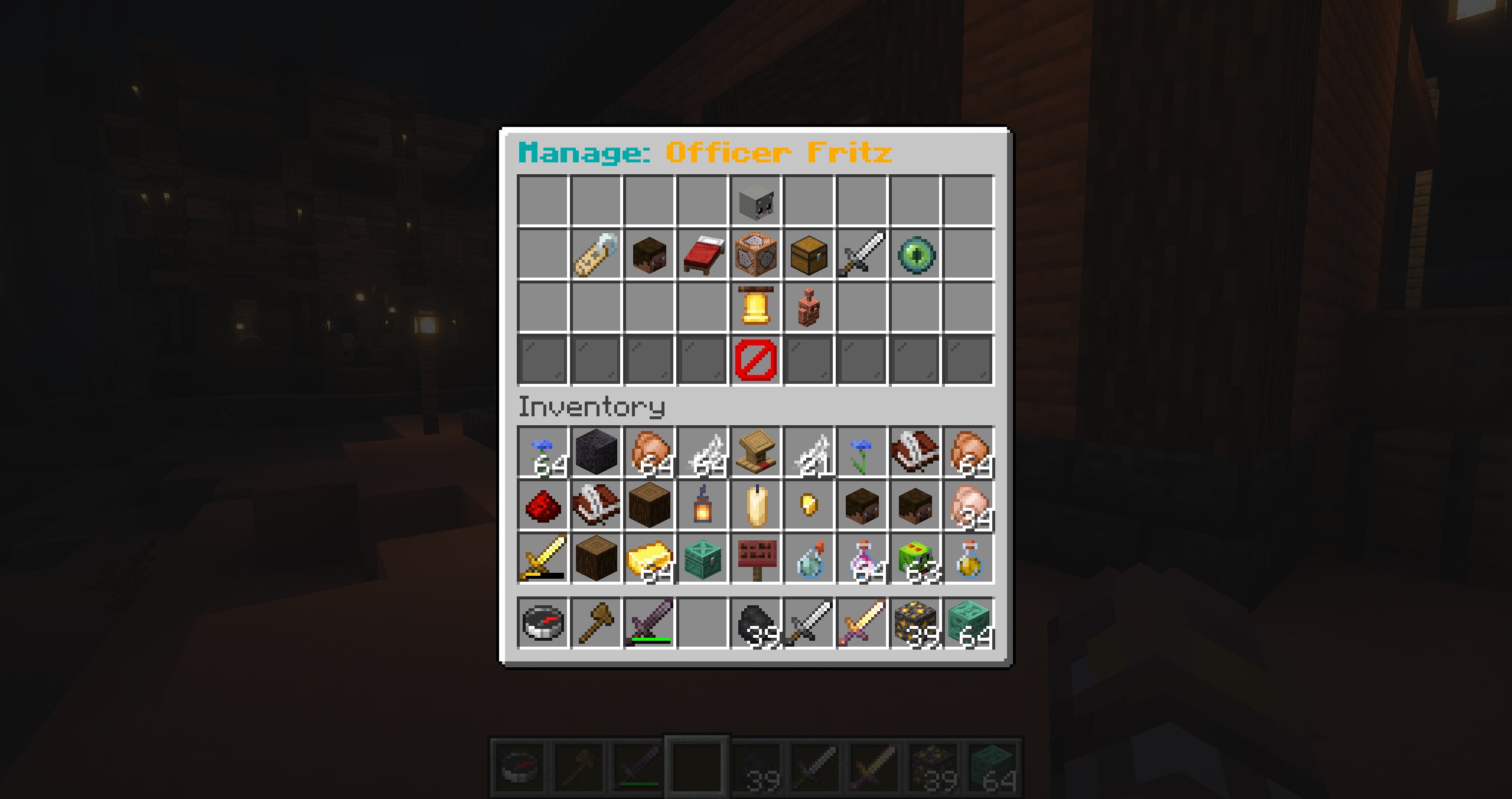
- Run
/bf create Shopkeeper, or choose Create NPC in the preset browser and enter a name in chat. - Open the preset and select Preset Spawnpoint while standing where the NPC should appear.
- Optionally set a skin, equipment, properties, combat, or behaviour.
- Select Spawn NPC.
The preset is the reusable configuration. The visible NPC is an instance of that preset. Editing the preset refreshes its spawned copies where appropriate.
Give it something to do
For a simple greeting:
- Open the preset's Event Behaviour menu.
- Find On Player Approach and add Send Dialog.
- Enter the greeting in chat.
For movement, create a route, assign it with a behaviour action, and start navigation. For contextual conversation, configure AI behaviour and add an AI Trigger action.
Build from source
bash
mvn clean test packageThe built plugin is written to target/Blockfolk.jar.