NPCs & instances
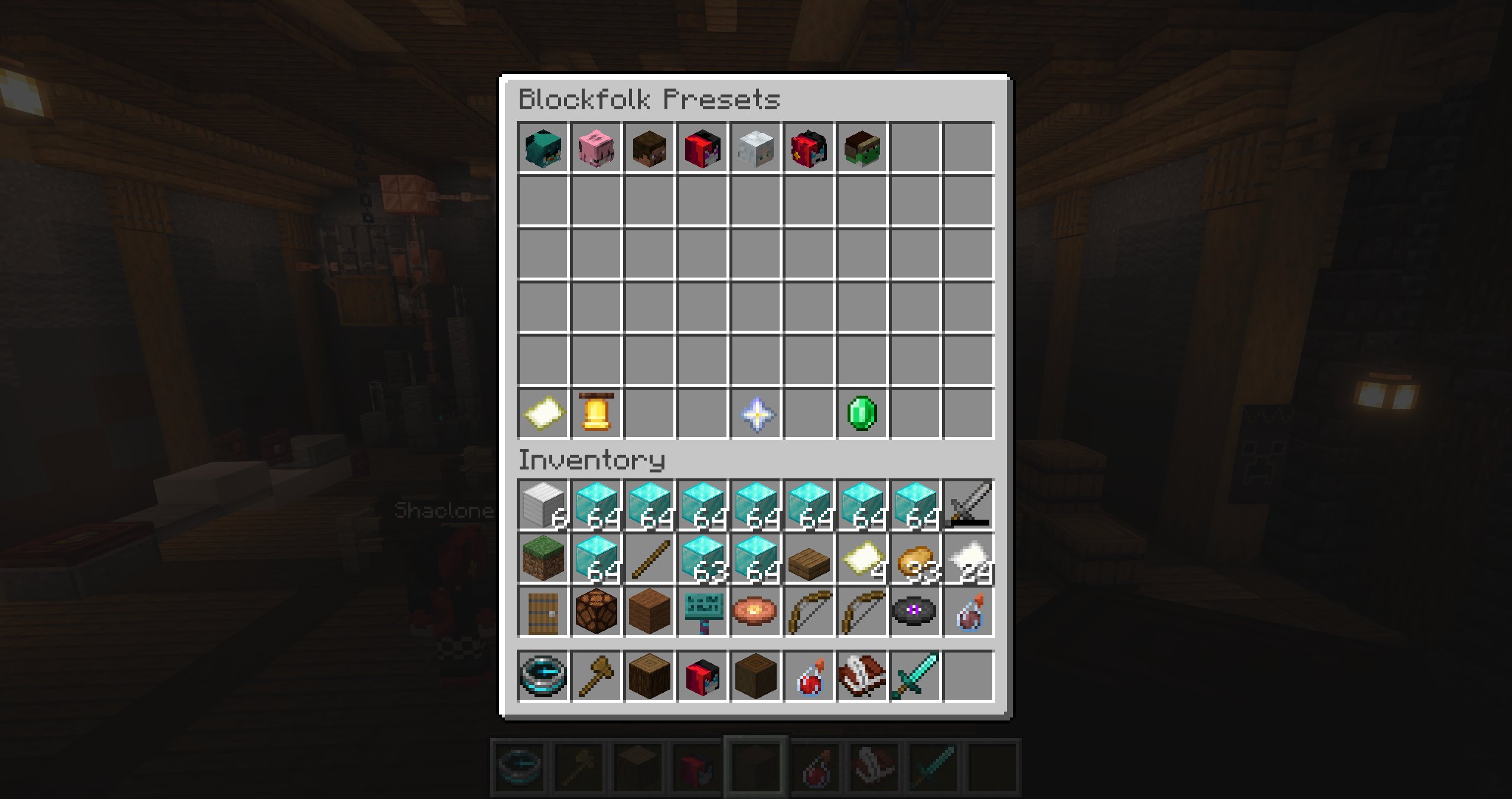
NPC administration starts in the preset browser opened by /bf.
Create and organize presets
Create a preset with /bf create <name> or from the browser. Its stable key is derived from the initial name; the visible display name can be changed later. The browser supports paging and duplicating presets.
To customize the preset order, click Blockfolk Overview at the bottom of the preset browser. In Reorder NPC Presets, pick up and drop preset icons into their desired positions, then choose Save Order. The saved order controls the main NPC browser and the NPC folders shown in the route manager.
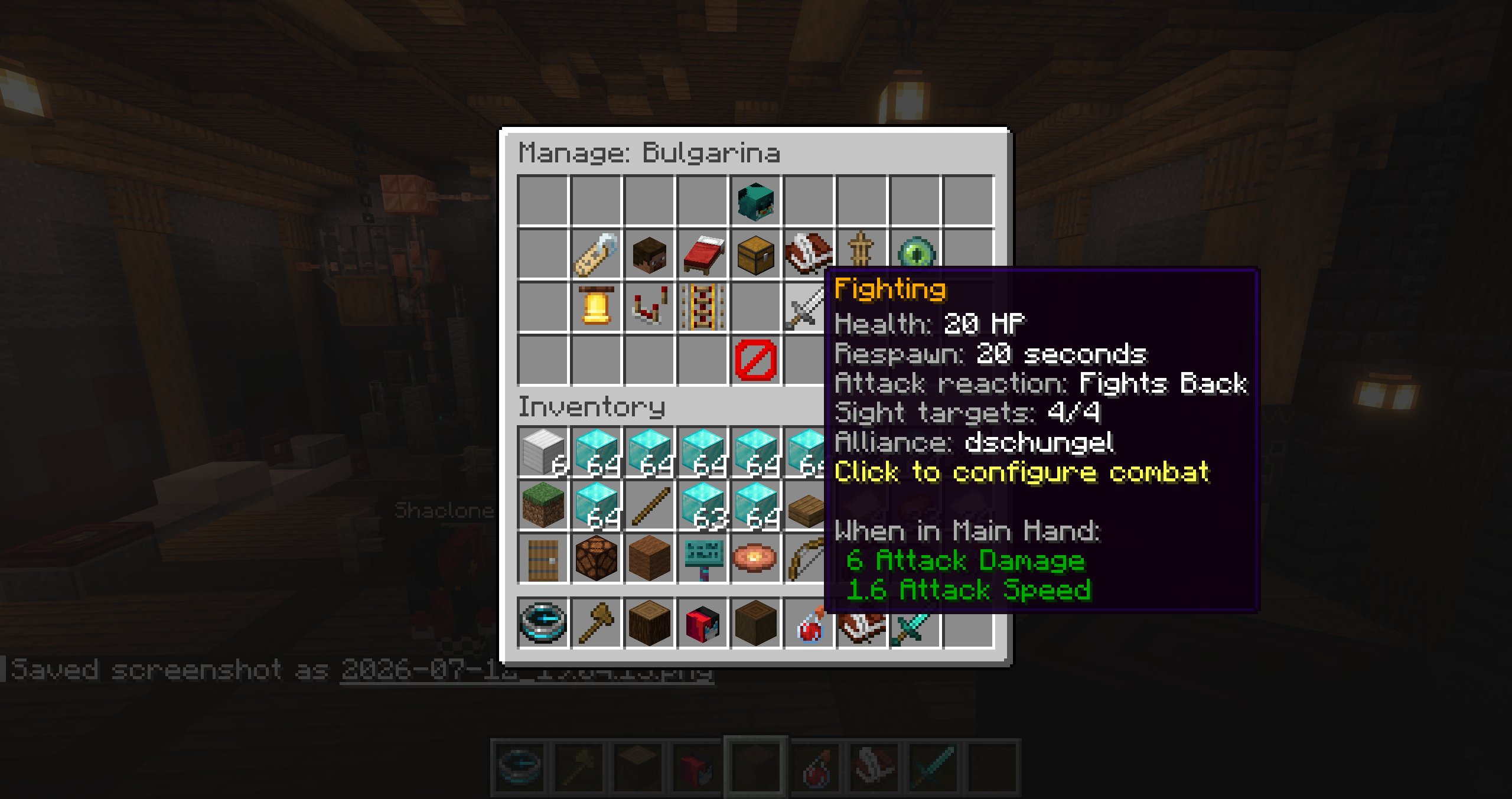
Opening a preset gives access to:
- display name, skin, and preset spawnpoint;
- NPC properties and name color;
- equipment and loot;
- event and custom-event behaviour;
- AI behaviour and combat;
- spawning and managing persistent instances.
Preset spawnpoint
Select Preset Spawnpoint to save your current position. The spawnpoint is used for the first spawn and for combat respawning. Configure it before enabling a non-zero combat respawn time.
Spawned instances
The first visible copy is created with Spawn NPC. After that, Manage Instances shows all copies of the preset and lets you add or remove instances.
When a preset has exactly one instance:
- shift-left-click Manage Instances to teleport to the NPC;
- shift-middle-click it to move the NPC and its respawn location to you.
Deleting an individual instance requires confirmation. Combat respawns preserve the instance UUID and pending deadline across restarts.
Direct editing
An administrator with blockfolk.admin can hold Shift and right-click a spawned Blockfolk NPC to open its preset editor directly. This admin shortcut takes priority over the NPC's normal On Right-Click behaviour and BeautyQuests interaction.
Edit and delete
Click the preset icon in its editor to open NPC properties. Shift-right-click the same icon to begin deletion. Preset changes are persisted automatically; equipment has an explicit Save Equipment control.
Integration references
An integration such as BeautyQuests targets a spawned instance, not merely the preset. Removing that instance breaks the external reference even if another copy of the same preset exists.