Locations
Global locations are named destinations shared across NPC presets. Open /bf routes, then choose Locations.
Create locations
- Select Edit Locations to receive the location editor shard.
- Left-click a block and enter a unique name in chat.
- Repeat for additional locations.
- Drop the shard to finish editing.
Right-click an existing location while editing to delete it. Saved locations are highlighted in green during the session.
Manage locations
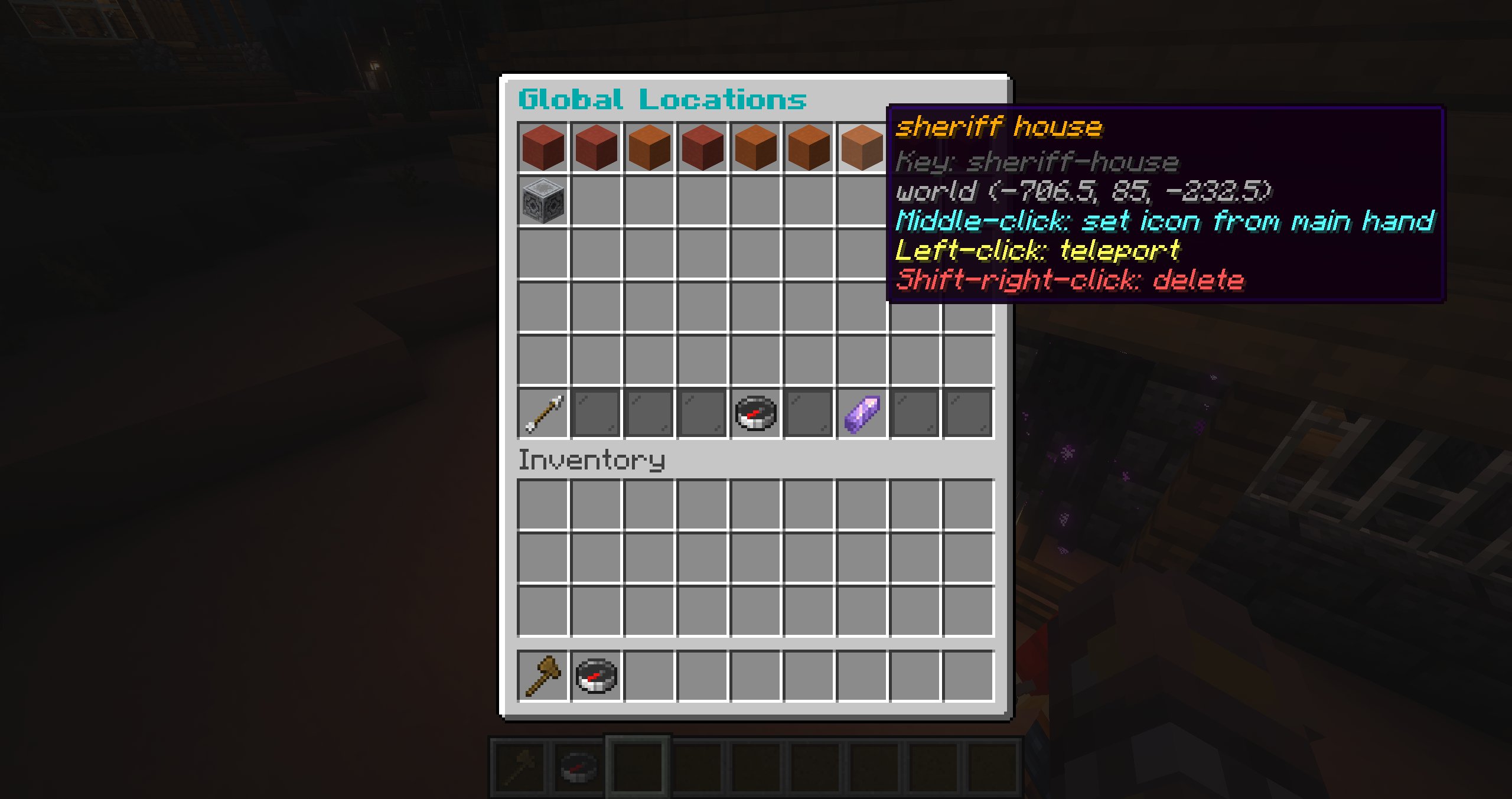
From the locations browser:
- left-click a location to teleport to it;
- middle-click to set or clear its icon from your main hand;
- shift-right-click to delete it.
How locations are used
Move To and Teleport To behaviour actions can target a saved location. AI perception includes up to 15 nearby locations in the same world within 64 blocks, ordered nearest first and exposed through safe request-local aliases rather than arbitrary coordinates.
Locations differ from routes: a location is one destination, while a route is a closed sequence of walking points.