Behaviour routines
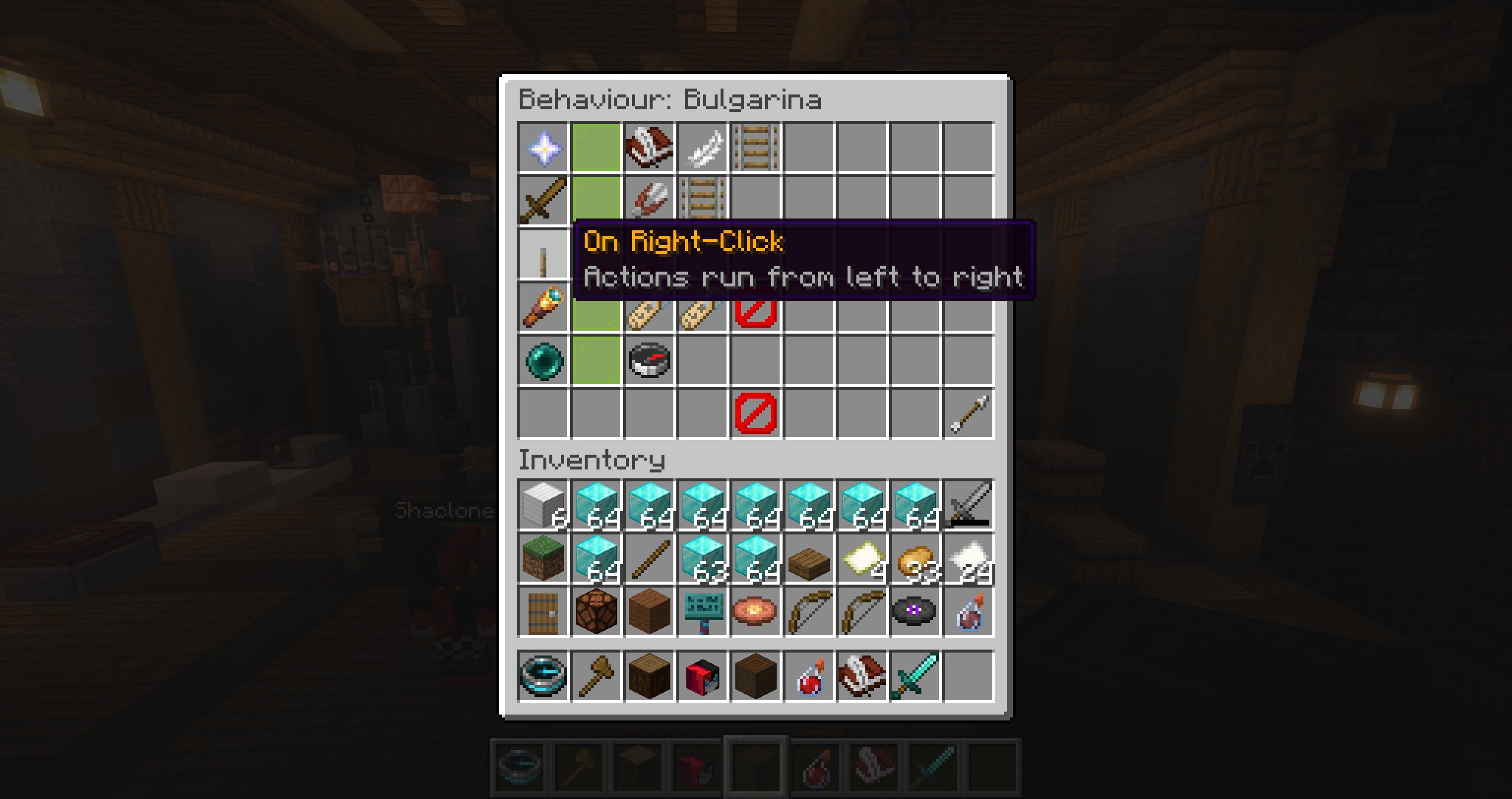
Behaviour routines connect an event to an ordered row of up to seven actions. Actions run from left to right.
Events
The standard editor provides these triggers:
- lifecycle: On Spawn, On Idle, and On Death;
- players: On Left-Click, On Right-Click, On Player Approach, and On Player Leaves;
- combat and health: On NPC Attacked, On Damage Taken, On Low Health, On Heal, On Combat Entered, and On Combat Exited;
- world: On Entity Nearby, On Route Point Reached, On Drop Item, and On Receive Item;
- time: At Sunrise, At Noon, and At Sunset.
Nearby chat is configured from the AI menu rather than shown as a deterministic behaviour row.
Actions
| Group | Available actions |
|---|---|
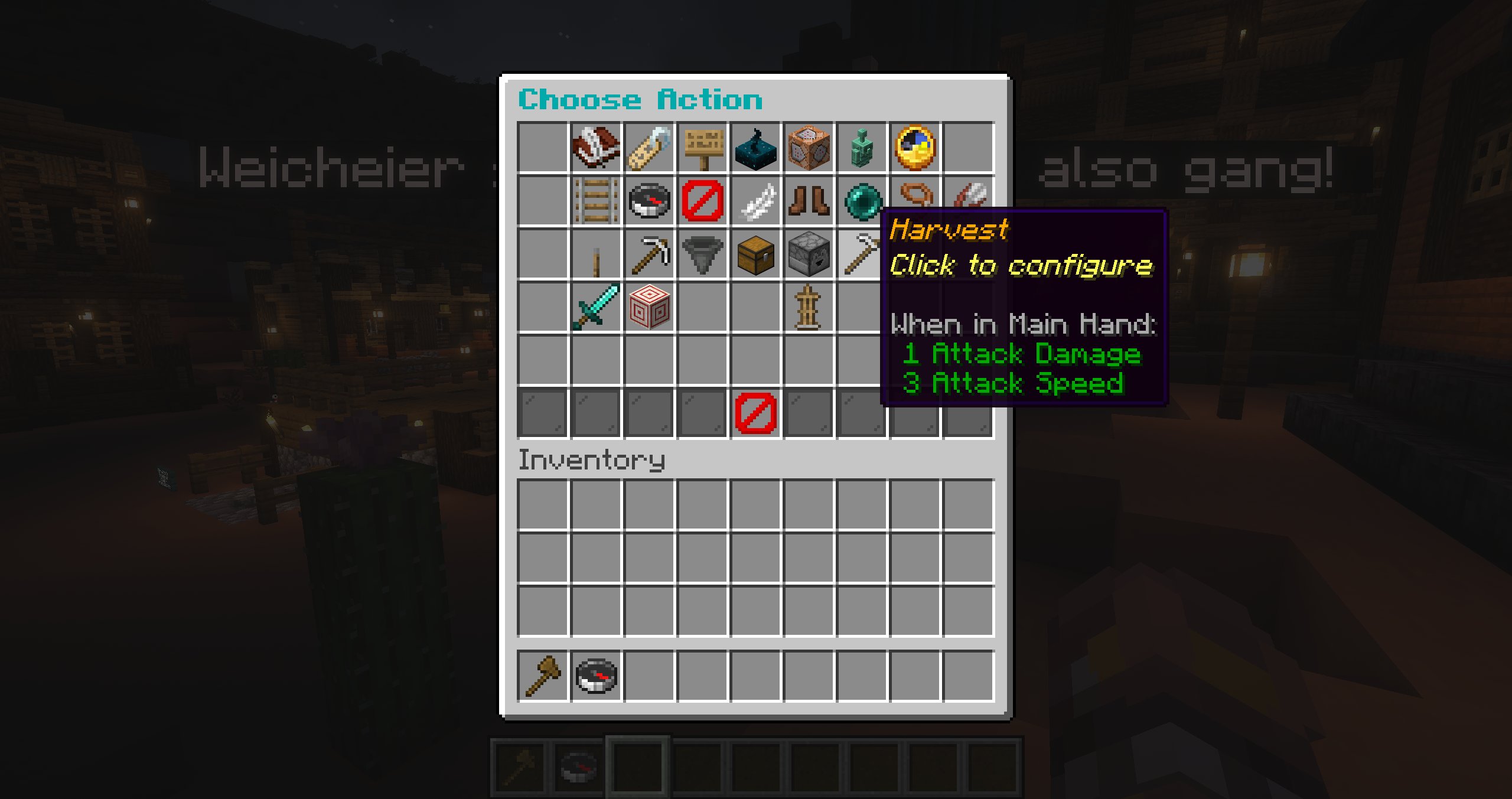
| Dialogue & scripting | Send Dialog, Show Holo Dialog, Ask Question, Emit Custom Event, Run Console Command, AI Trigger, Wait |
| Movement | Set Route, Start/Stop Navigation, Set Walk Speed, Move To, Teleport To, Follow, Unfollow |
| World & inventory | Interact, Mine Blocks, Take Item, Show Inventory, Drop Inventory, Harvest |
| Combat | Start Combat, Change Fight Options |
| Animation | Sleeping, Swimming, Fall Flying, Standing, Sneaking, Wave, Jump |
Left-click an action to replace it and right-click to remove it. Shift-left-click an event row to copy it; shift-right-click another compatible row to paste.
Questions
Ask Question displays a prompt with up to four distinct answers. Each answer and the cancel/timeout path can have its own action branch. A branch supports up to seven actions and cannot contain another question. The global question timeout is configured in config.yml.
Dialog timing
Dialog line duration is calculated at 12 characters per second with a minimum of three seconds.
Custom events
Custom events decouple one routine from another. Define global custom events in the custom-event manager, add Emit Custom Event to a source routine, then configure a preset's Custom Event Behaviour for that event.
Names may contain / to create groups in the event browser. Custom-event actions can also emit another event, which makes it possible to coordinate several NPC presets.
See Custom events for creation, manual triggering, ordering, event chains, and deletion behavior.
Waypoint actions
Route points may have their own action row. Shift-right-click a point while using the route editor to configure actions that run when that waypoint is reached.