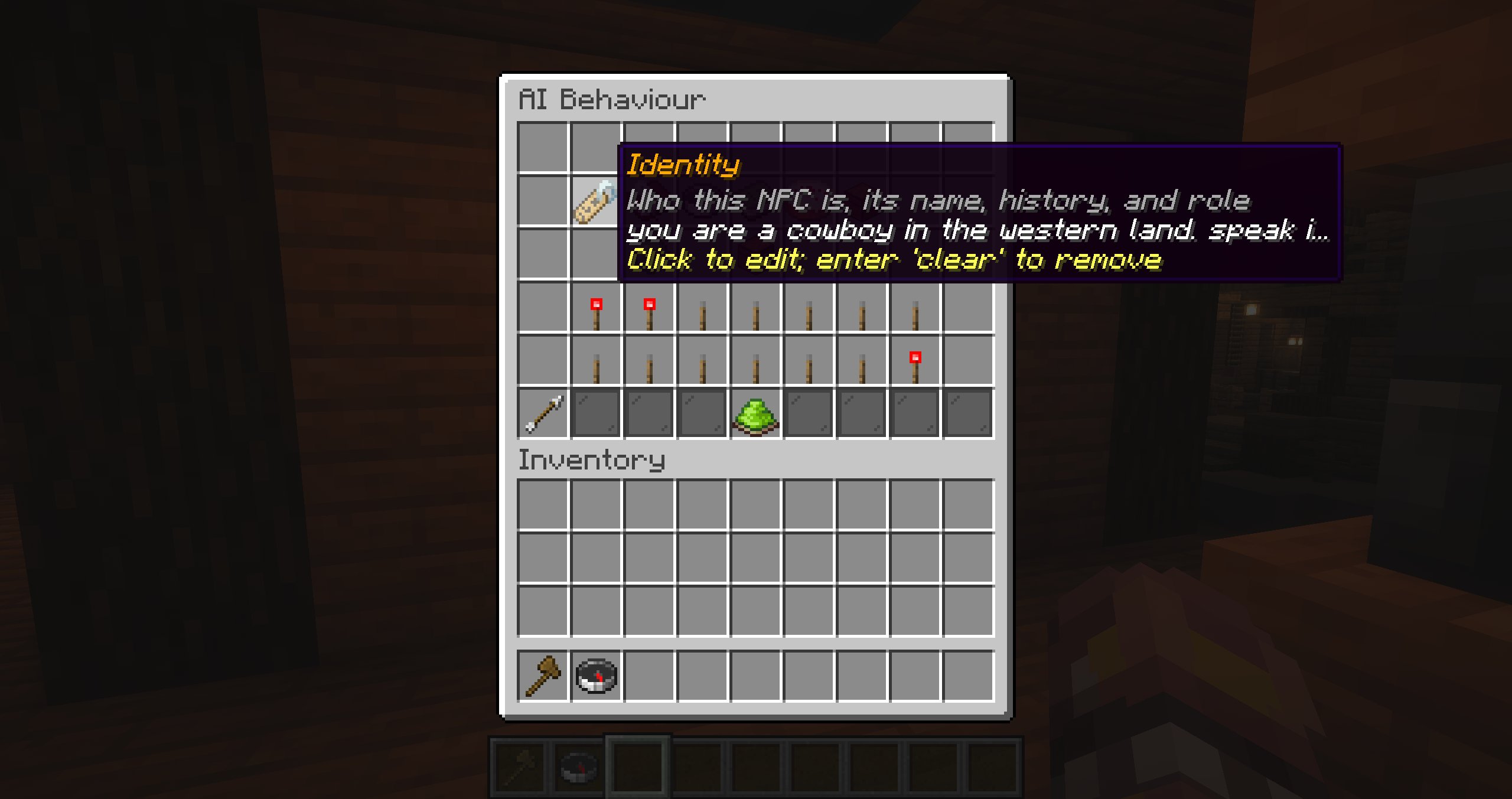
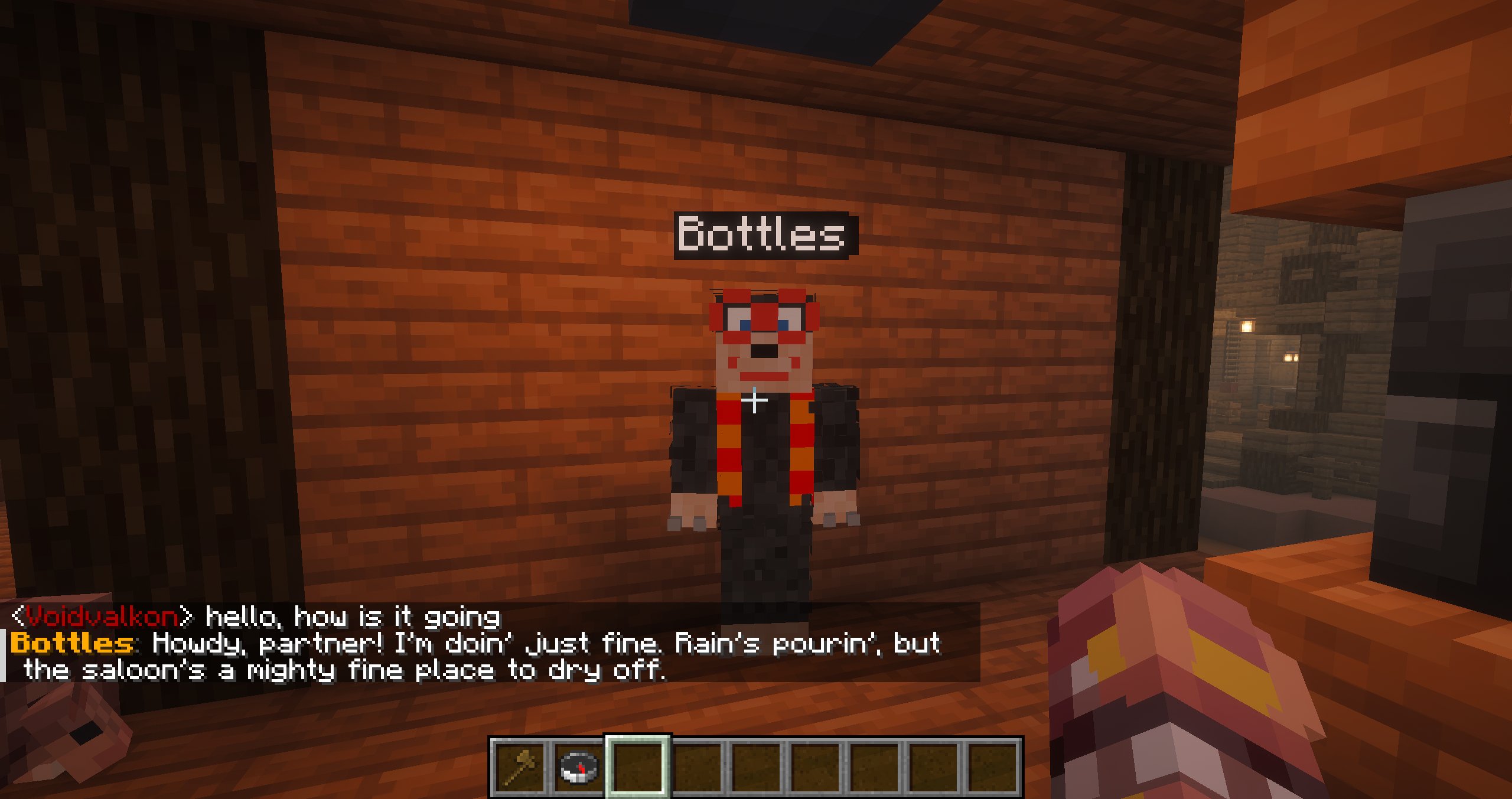
AI behaviour
AI behaviour is an optional OpenRouter-powered layer. The model receives bounded context and can return only validated actions enabled for that preset. Requests run asynchronously, so deterministic behaviour is not delayed.
Configure OpenRouter
Set at least the API key and model in plugins/Blockfolk/config.yml, then restart the server:
openrouter:
  endpoint: "https://openrouter.ai/api/v1/chat/completions"
  api-key: "your-api-key"
  model: "deepseek/deepseek-v4-flash-0731"
  timeout-seconds: 12
  max-tokens: 1600
Keep the endpoint on HTTPS. The AI menu reports whether OpenRouter is ready.
Conversation history is controlled separately under ai-control:
ai-control:
  conversation-history-limit: 20
The limit counts stored conversation lines, not complete back-and-forth turns. Set it to 0 to disable runtime conversation history.
Describe the NPC
Open an NPC preset and choose AI Behaviour. Configure one or more context sections:
| Section | What to write |
|---|---|
| Identity | Who the NPC is, including its name, history, and role. |
| Personality & Behaviour | How it speaks, reacts, and treats others. |
| Goal / Role | What it should accomplish or prioritize. |
| Knowledge / Information | Lore, facts, rules, and local knowledge it may use. |
| Likes & Dislikes | Things it enjoys, avoids, values, or strongly dislikes. |
At least one section is required before AI behaviour can be activated.
Choose triggers
Add AI Trigger to any standard event, custom event, waypoint, or question branch. The surrounding event becomes the reason included in the request.
Enable Respond to Nearby Chat for direct player conversation within eight blocks. One chat message creates a coordinated request for all eligible NPCs in range; the closest NPC is the default speaker.
NPC names and aliases
Group requests use aliases such as npc_1 and npc_2 only as safe routing keys in the model's JSON response. Each alias is paired with the NPC's actual display name in both the system context and the participant heading. The player's exact chat message is also included, so a message such as “Mr. Mario, how is your day?” can be matched to the participant named Mr. Mario. The model returns npc_2 so Blockfolk can reliably apply that response to the correct instance.
Restrict capabilities
Every capability is toggled per preset. Available controls include speech, animations, starting/stopping combat, fleeing, following, interacting, moving, mining, returning home, and starting or pausing a route. Do Nothing is always available.
The model cannot issue commands, executable code, arbitrary coordinates, or unlisted entity identifiers. A response using a disabled or malformed action is rejected.
Inventory and world interaction
Enable Temporary Inventory when the AI should see and manipulate the items carried by each instance. This also enables container transfers and direct collection of mined drops. If mined drops do not fit, the block remains untouched. Without temporary inventory, mined blocks drop items naturally.
Conversation and memory
Conversation can be:
- Private — each player has a separate conversation with that NPC instance;
- Shared — all players contribute to one conversation on that instance.
Long-term memory is separately optional. It stores up to 45 facts on the preset, shared by all its instances and retained across restarts. Administrators can add, edit, delete, or clear facts in the memory menu; the model can use Remember Fact only when memory is enabled.
The number of recent conversation lines supplied to the model is set globally with ai-control.conversation-history-limit. Its default is 20; when the limit is exceeded, the oldest lines are discarded first.
Opening a preset's admin editor resets runtime AI state and queued interactions for every spawned copy of that preset. Durable long-term facts remain until edited or cleared.
Request lifecycle
While a request is in flight, a hologram cycles through Thinking., Thinking.., and Thinking.... Requests have a per-NPC cooldown in addition to trigger throttling. The latest interaction is queued when a request or cooldown is already active.
For the exact prompt structure, perception limits, target aliases, and memory rules, see AI request context.